


Automate and enhance
your trading
Whether you want to run Expert Advisors, ensure 24/7 uptime with VPS hosting, or level up your strategies with NexGen plugins, Axi gives you the tools to trade on your terms on MT4.



Charts built for
every trader
- 9 timeframes and 30+ technical indicators built in
- Custom indicators and drawing tools
- Real-time price alerts and market depth
Speed and
reliability
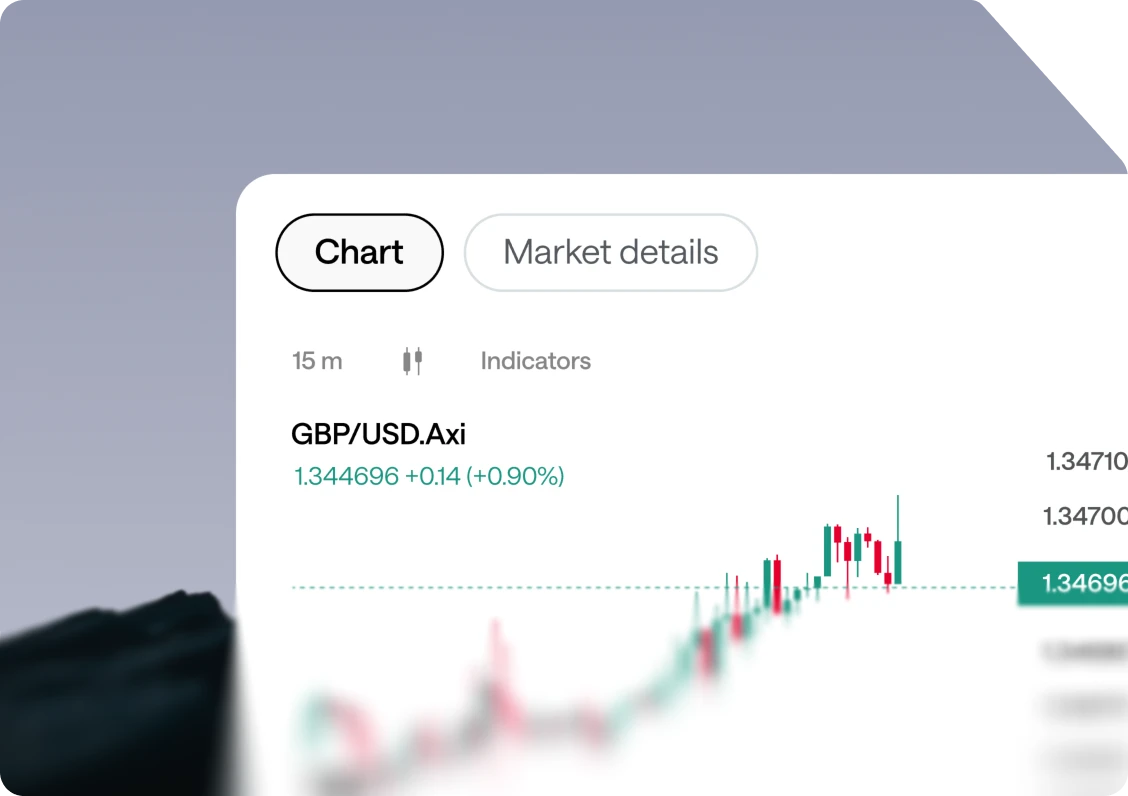
- A lightweight platform with fast order execution
- Trade in one click or set pending orders
- Reliable performance during periods of volatility

Trade from
any device
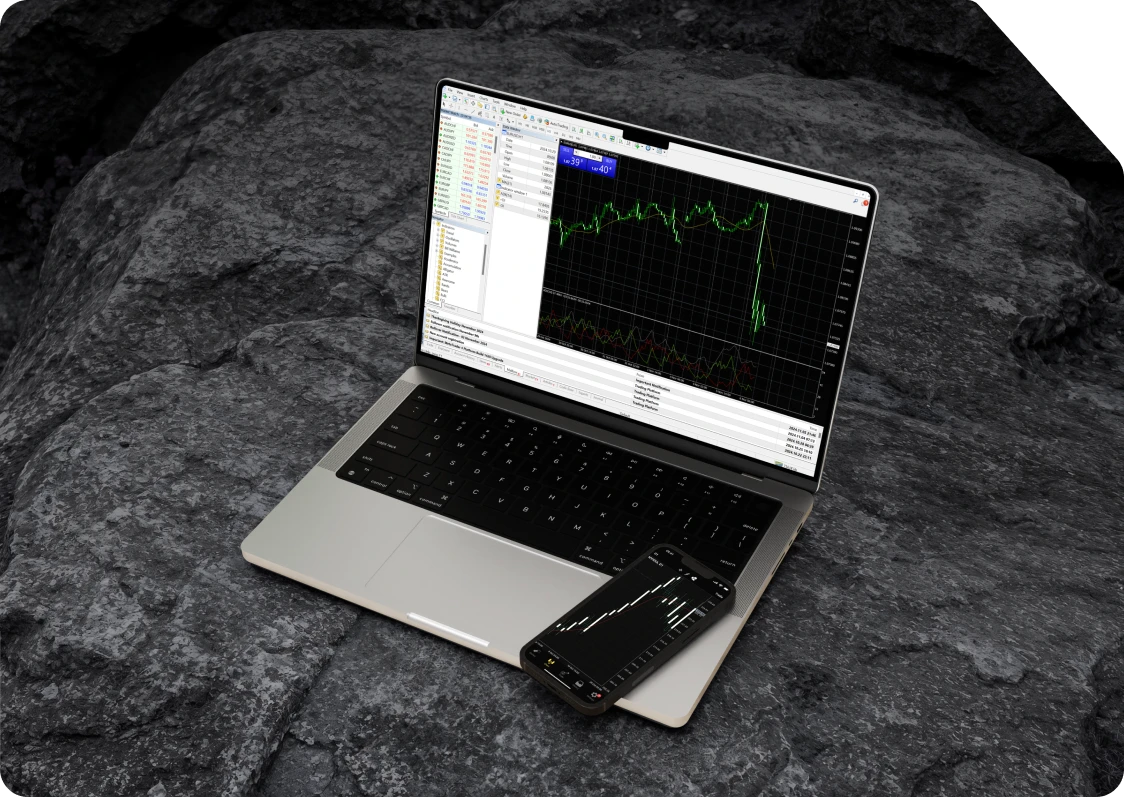
- Access MT4 on desktop, mobile, and WebTrader with one login
- Sync data across multiple devices with your account
- Trade on PC, Mac, iOS, or Android
One account
More markets to explore
Discover trading opportunities across major global asset classes, from CFDs on currencies and commodities to shares, indices, and newly listed companies.






Your edge starts
with the right broker





FAQ
Have you just downloaded Metatrader 4 but you’re not sure where to start? Check out our MetaTrader 4 tutorial videos to understand all the basics like logging in for the first time, changing your password, or opening and closing your first trade.
MetaTrader 4 is suitable for both beginners and advanced traders. The fact that it is the most popular trading platform used by retail traders means that there are plenty of online resources available to guide you through the platform. Browse our MT4 FAQs for more information.
MetaQuotes has built a useful site that acts as a community for MT4/5 users. You will be able to find plenty of expert advisors, scripts, and custom indicators on the forum here.
MT4 and MT5 are both built by MetaQuotes, but they serve slightly different traders. MT4 launched in 2005 and is built around forex and CFD trading, while MT5 arrived in 2010 with broader multi-asset support and a heavier toolset. The table below sums up the practical differences:
MetaTrader 4 (MT4):
- Year released: 2005.
- Best suited to: Forex and CFD traders.
- Programming language: MQL4.
- Built-in indicators: 30.
- Chart timeframes: 9.
- Order types: 4.
- Depth of market: Not available.
- Economic calendar: Not built in.
- Strategy tester: Single-threaded.
- Processing: 32-bit.
- Ongoing development: No new features.
MetaTrader 5 (MT5):
- Year released: 2010.
- Best suited to: Multi-asset traders (incl. shares, ETFs).
- Programming language: MQL5 (supports multi-threading).
- Built-in indicators: 38.
- Chart timeframes: 21.
- Order types: 6.
- Depth of market: Available.
- Economic calendar: Built in.
- Strategy tester: Multi-threaded.
- Processing: 64-bit (faster).
- Ongoing development: Actively developed.
If you trade mainly forex, rely on tools or expert advisors written for MQL4, or simply prefer a platform you already know well, MT4 still does everything most retail traders need. If you want access to more asset classes, extra timeframes and order types, Depth of Market, or faster multi-threaded back-testing, MT5 is the more future-proof choice. Many traders run both, since Axi lets you transfer funds between your MT4 and MT5 accounts.
For a full breakdown, read our guide on the differences between MetaTrader 4 and MetaTrader 5 (https://www.axi.com/int/blog/education/metatrader-4-vs-metatrader-5), or download MetaTrader 5 to compare them yourself.
Yes. An MT4 demo account lets you explore the platform and practise trading with virtual funds. You can apply through the Axi website or, if you already have Client Portal access, open the Demo tab and follow the prompts to create an account with MT4 selected as the platform.
Yes. MetaTrader 4 is free to download. Downloading the platform does not mean that live trading is free: spreads, commissions and other applicable trading charges depend on your account and the instruments you trade.
Select Download MT4 for Windows on this page, save the installer and open it. Follow the installation instructions, then launch MetaTrader 4. To access your Axi trading account, enter your MT4 account number and password and select the correct server. Existing clients can also download MT4 through the Axi Client Portal.
Use the Android download link on this page to get the MetaTrader 4 app from Google Play. After installation, open the app and sign in to your existing trading account using your Axi MT4 account details and the correct server.
On the MT4 desktop platform, select File → Login to Trade Account. Enter your MT4 account number and trading password, then choose the correct server. Check that the account number, password and server match the details provided for the account you want to access.